The auto-cleaning indicator ("Machine Care") lights up on the dishwasher
Issue
- The Auto Cleaning indicator ("Machine Care") lights up on the dishwasher
- How to use the Auto-Cleaning programme?
- What is the dishwasher Machine Care programme?
- Why does the Auto Cleaning (Machine Care) red light come on?
Applies to:
- Freestanding dishwasher
- Built-in dishwasher
Resolution
Machine Care is a programme designed to clean the appliance interior with optimal results. It removes limescale and grease buildup.
THIS PROGRAM IS NOT INTENDED TO REPLACE THE REGULAR FILTERS AND SPRAY ARMS CLEANING
The remainder of this cleaning program is determined automatically by the dishwasher.
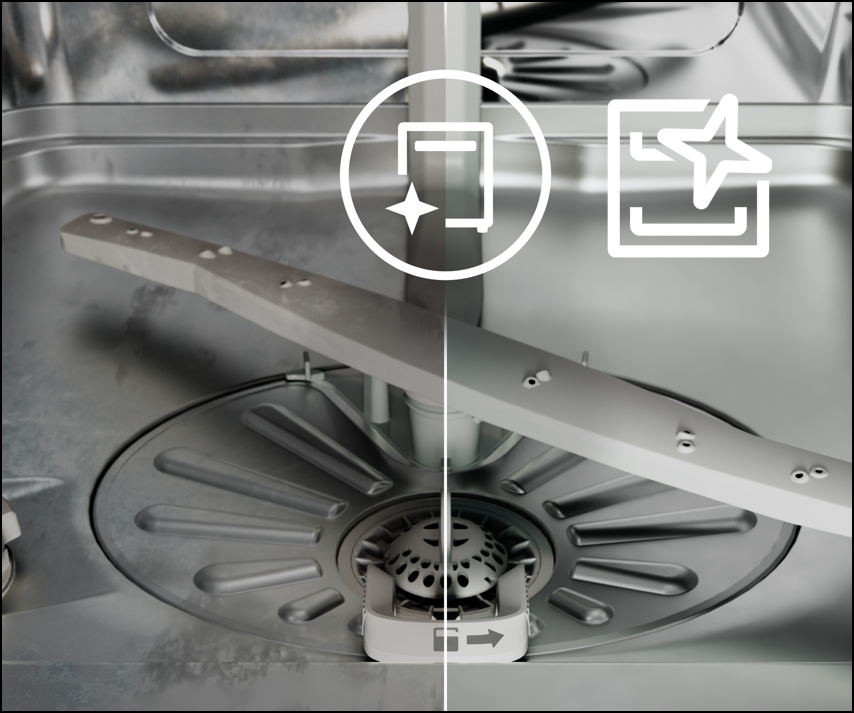
To start Machine Care cleaning programme, proceed as follows:
1. First, clean the filters and spray arms. Refer to the user manual or instructional videos for detailed guidance.
Dishwasher - cleaning the filter
Dishwasher - cleaning the spray arms
2. Use cleaning products designed specifically for dishwashers, such as Clean & Care (available on our Webshop).
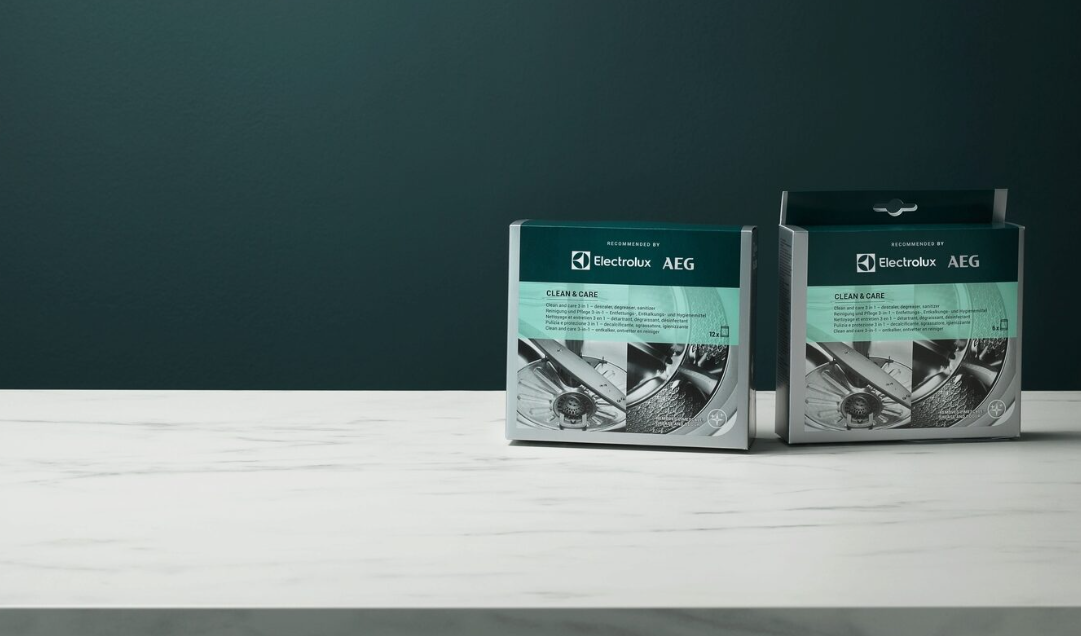
3. Follow the instructions on the packaging. Do not put dishes in the baskets.
4. Press and hold simultaneously  ("ExtraPower") and
  ("AUTO Sense") for approximately 3 seconds:
The indicators  (Auto Cleaning) and (“ExtraPower”) flash. The display shows the programme duration (approximately 1h).
*In some models to start Machine Clean programme press and hold AUTO for about 3 seconds.
5. Close the appliance door to start the program.
Cause:
FAQ – Machine Care Indicator Lights Up on the Dishwasher
How does the Machine Care icon look on my dishwasher?
The appearance of the Machine Care indicator may vary between dishwasher models.
Refer to your user manual for details.
See examples below:
Integrated models

freestanding models
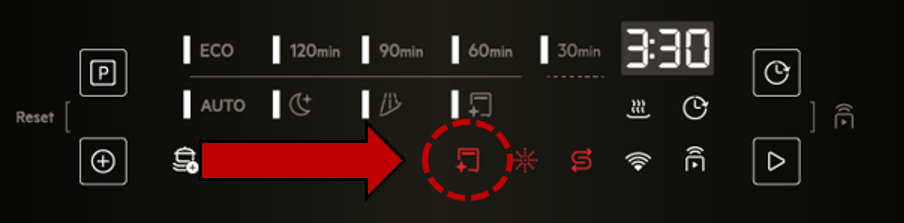
Why is the Machine Care light on in my dishwasher?
The Machine Care indicator reminds you that the dishwasher interior should be cleaned to help maintain washing performance.
Why is the Machine Care icon red?
A red Machine Care icon is a maintenance reminder. It indicates that the dishwasher recommends running the Machine Care programme to clean the interior. It does not normally indicate a fault.
How often should I run the Machine Care programme?
The dishwasher will automatically indicate when cleaning is recommended. Frequency depends on how often the dishwasher is used.
Can I continue using the dishwasher when the Machine Care light is on?
Yes. The dishwasher can still be used normally, but running the Machine Care programme is recommended for optimal performance.
What does the Machine Care programme do?
The programme cleans the dishwasher tub, spray arms, filters, and internal hydraulic system to help remove grease, limescale, and residue.
Is it normal for the Machine Care indicator to appear?
Yes. The indicator is a normal maintenance reminder and does not mean there is a fault with the dishwasher.
Was this article helpful?
Related Articles
- Dishwasher displays error message i30, drains constantly
- Dishwasher comfort lift basket stuck in the upper position
- Dishwasher displays error message i40, i43 or i44
- How to deactivate AirDry on my dishwasher
- Dishwasher displays error code i20 beeps 2 times or LED flashes 2 times
- Dishwasher is stuck mid-cycle and won't allow me to select a different programme
- Dishwasher short-circuits, burns out fuses or trips RCD circuit breakers
- The dishwasher displays error code i60 or i69
- How does the AirDry function in Electrolux dishwashers work?
- Dishwasher displays error message iF0, iFo or iF1
Spare parts & Accessories
Find original spare parts for your appliance in our webshop and have them delivered directly to your door.
Related Articles
- Dishwasher displays error message i30, drains constantly
- Dishwasher comfort lift basket stuck in the upper position
- Dishwasher displays error message i40, i43 or i44
- How to deactivate AirDry on my dishwasher
- Dishwasher displays error code i20 beeps 2 times or LED flashes 2 times
- Dishwasher is stuck mid-cycle and won't allow me to select a different programme
- Dishwasher short-circuits, burns out fuses or trips RCD circuit breakers
- The dishwasher displays error code i60 or i69
- How does the AirDry function in Electrolux dishwashers work?
- Dishwasher displays error message iF0, iFo or iF1